Estate monitoring
Ops Center, cards, status lanes, inventory, filters, health checks, and server workspaces.
Explore monitoring → CraptasticApps Database Monitor
Product tour / All capabilities
Start with the estate signal, investigate the affected server, apply policy, run reports, and govern operational change without stitching together a different tool for every engine.
Every application area shown here is part of the current product. Screenshots were captured from an isolated demo estate.
Ops Center, cards, status lanes, inventory, filters, health checks, and server workspaces.
Explore monitoring →Discover manageable accounts, review rotation posture, and govern changes across selected targets.
Explore credentials →Built-in reports, private multi-sheet reports, exports, and query dashboards for each engine.
Explore reports →Review, approve, and execute curated or private SQL packages against matching servers.
Explore deployments →Assess SQL Server CU eligibility, build cohorts, run preflight checks, and retain audit history.
Explore patching →Environment thresholds, per-server overrides, suppressions, standards, roles, and alert delivery.
Explore governance →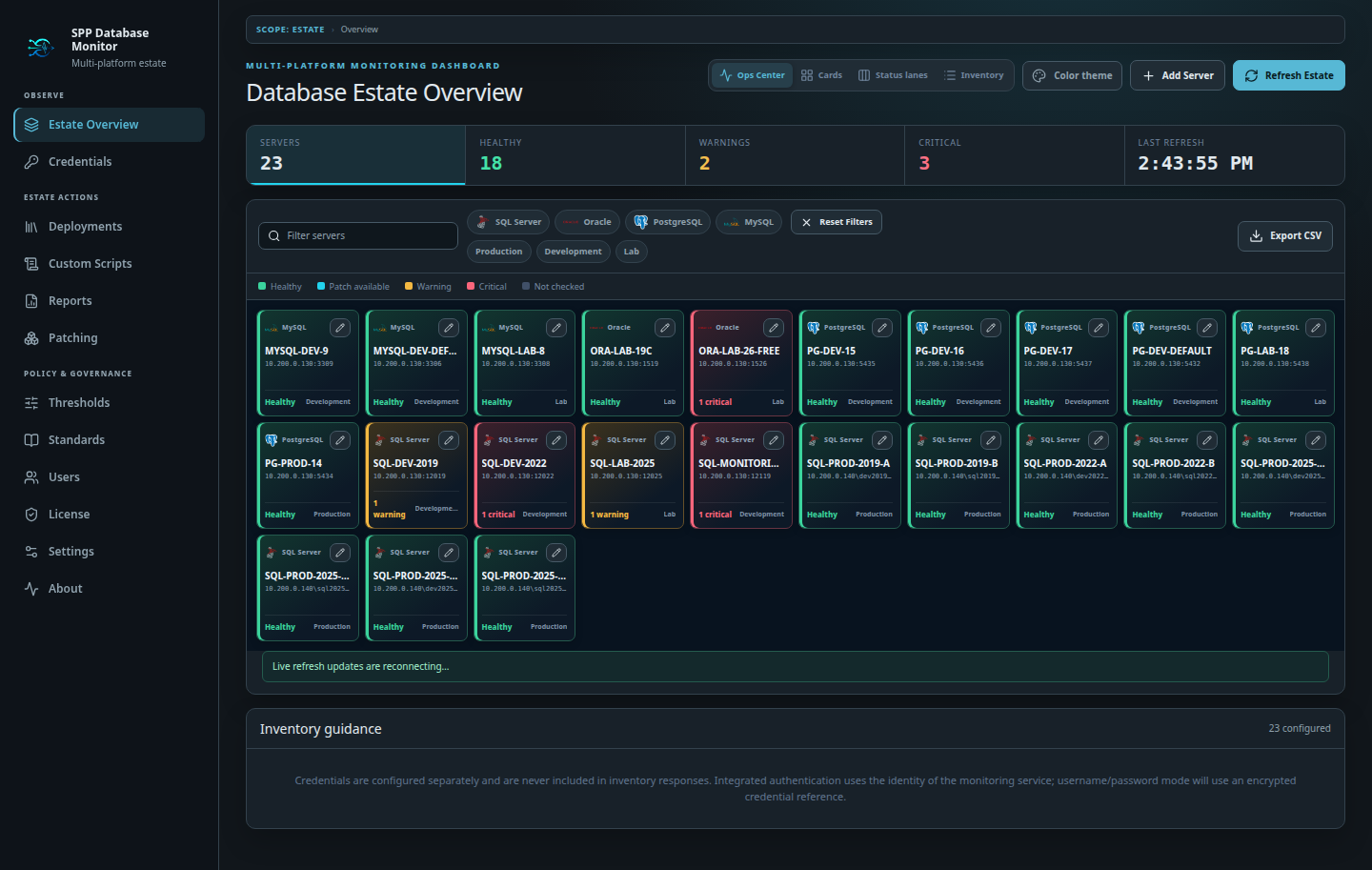
Move from evidence to action without leaving the estate context. Each workflow below is built into the application and uses the same server inventory, database-engine awareness, permissions, and audit trail.
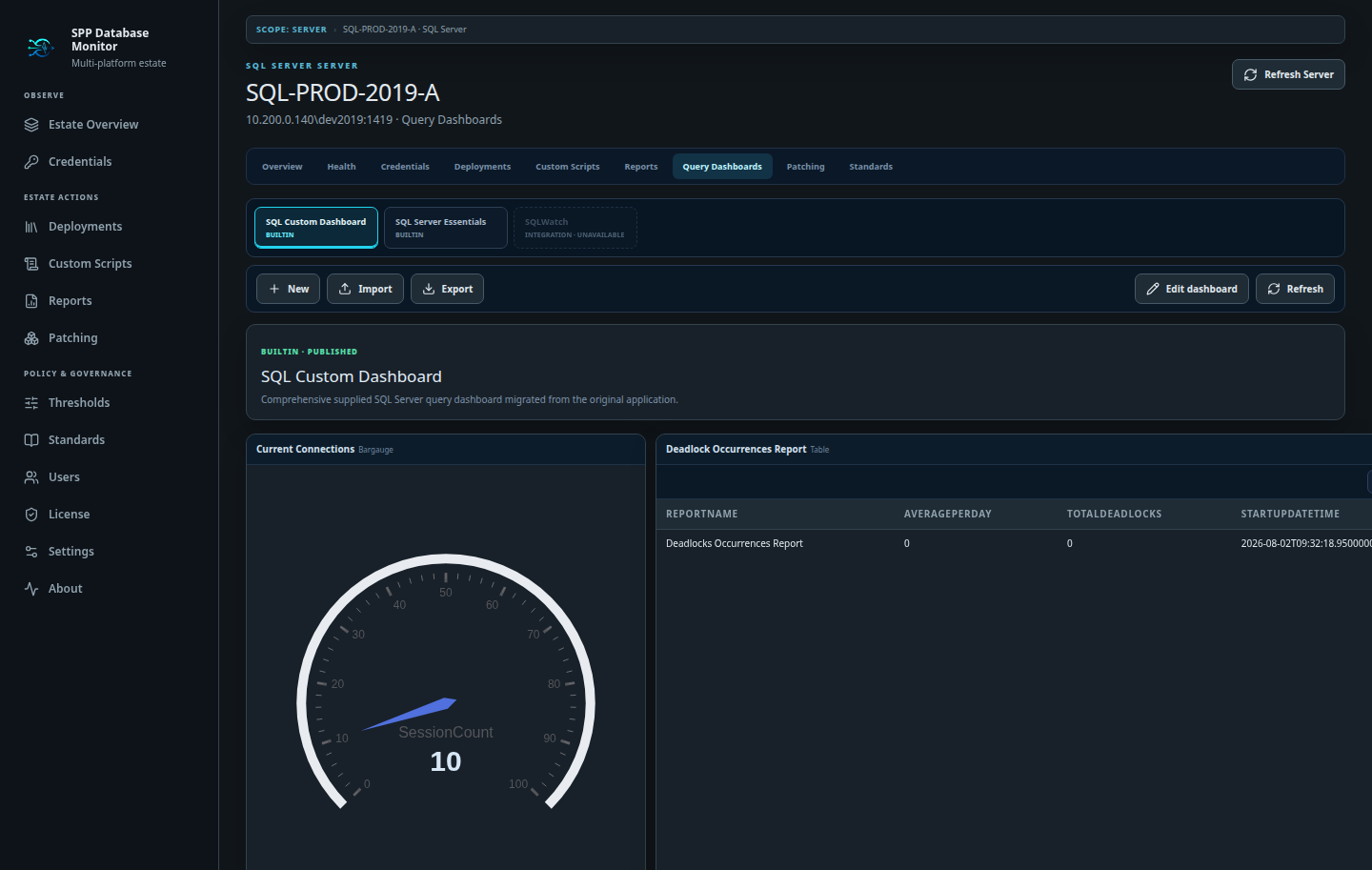
Compose server-scoped dashboards from independent query panels. Test queries before saving, choose table or visualization output, resize and reorder panels, publish private drafts, and move dashboard definitions between installations with JSON import and export.
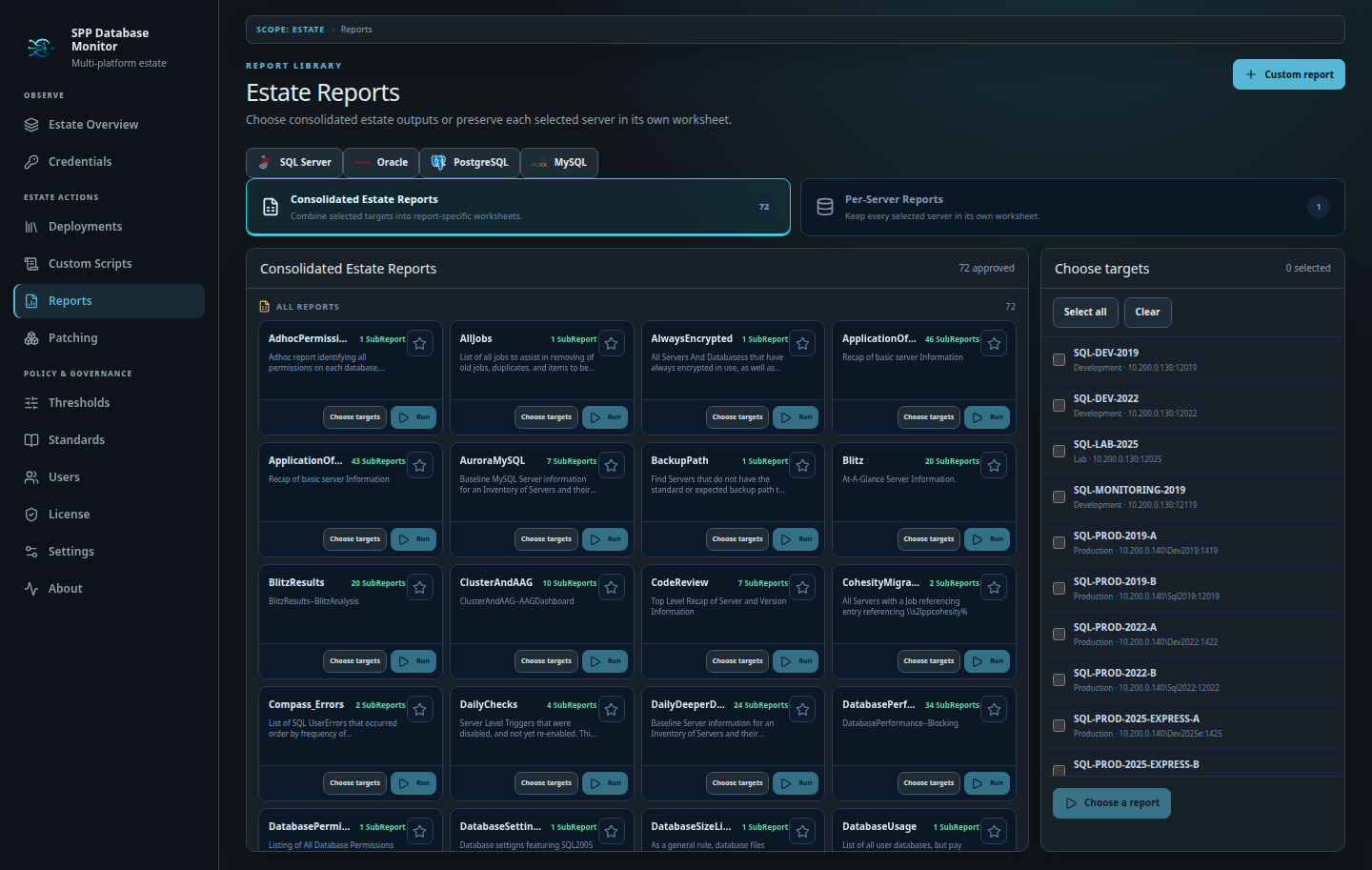
Run consolidated estate reports or produce one result per selected server. Use the built-in libraries, author private multi-sheet reports with provider-aware validation, inspect tabbed results in the browser, and export completed workbooks to Excel.
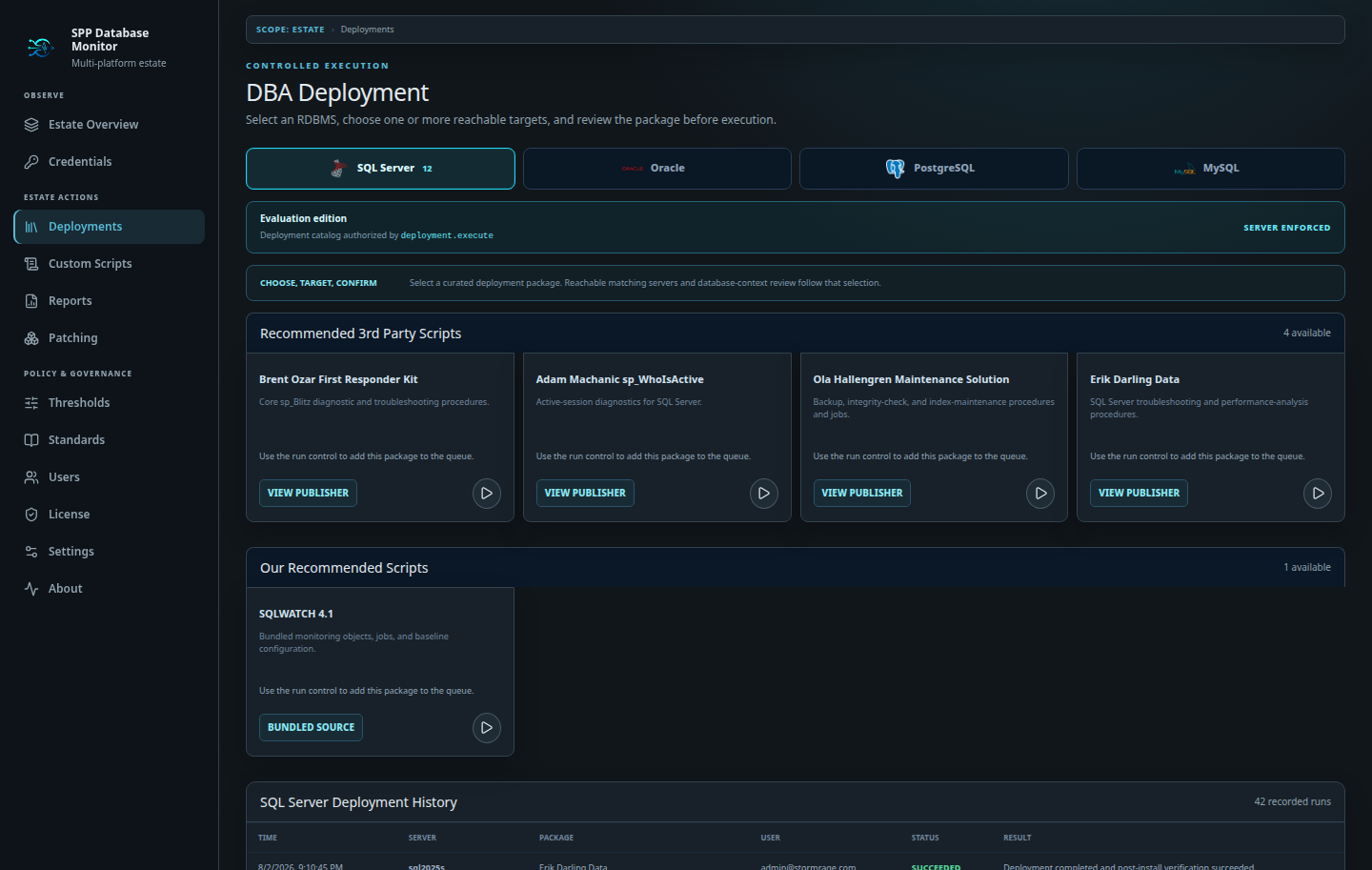
Select a curated package, reveal only compatible and reachable servers, confirm the database context, and approve the final target set. Object verification and per-target outcomes make the result visible after execution instead of treating deployment as a black box.
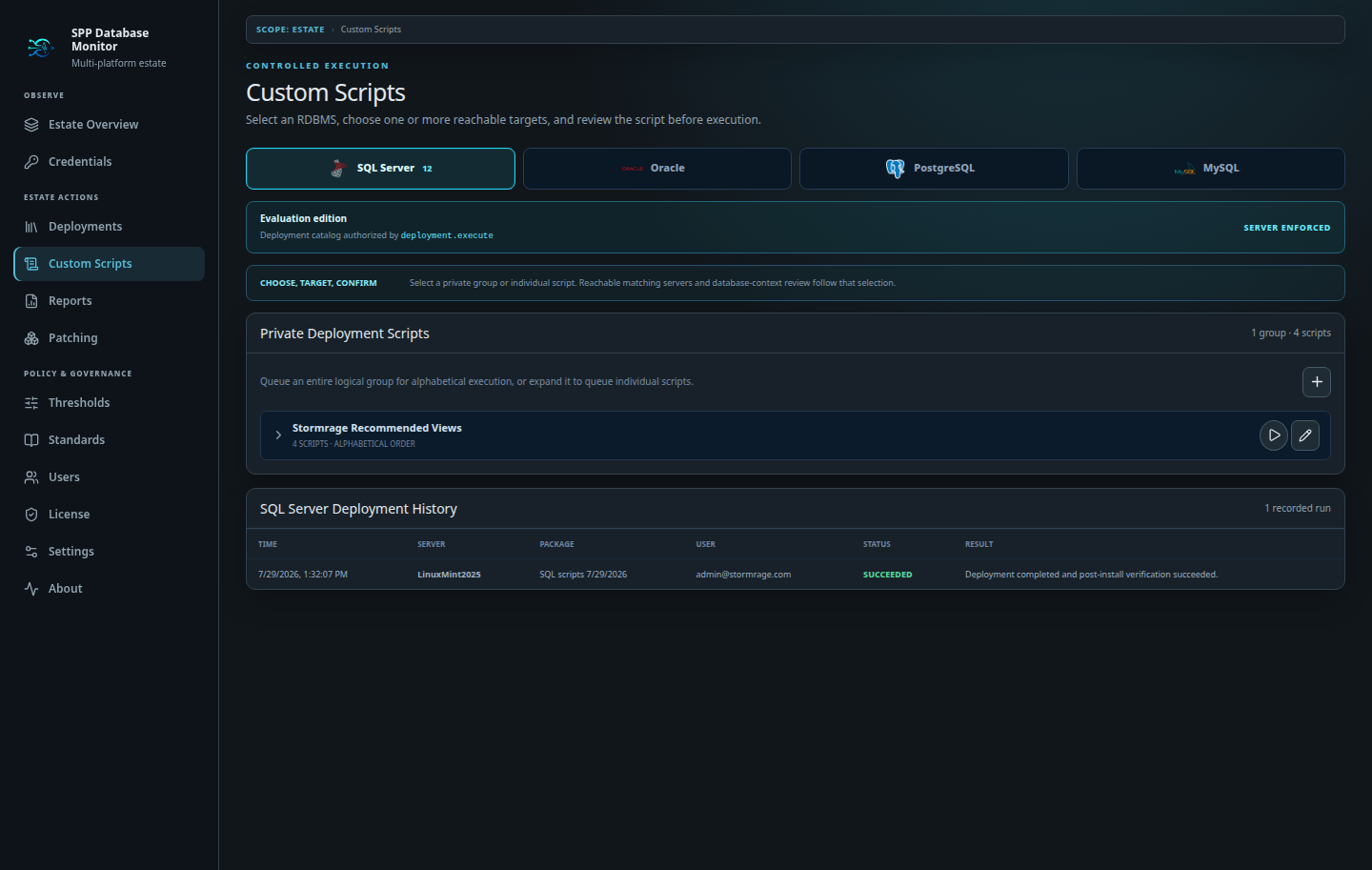
Upload private SQL for SQL Server, Oracle, PostgreSQL, or MySQL, encrypt it at rest, and organize related files into named groups. The execution queue preserves script order while approval, database-context selection, and per-server results keep batch work deliberate.
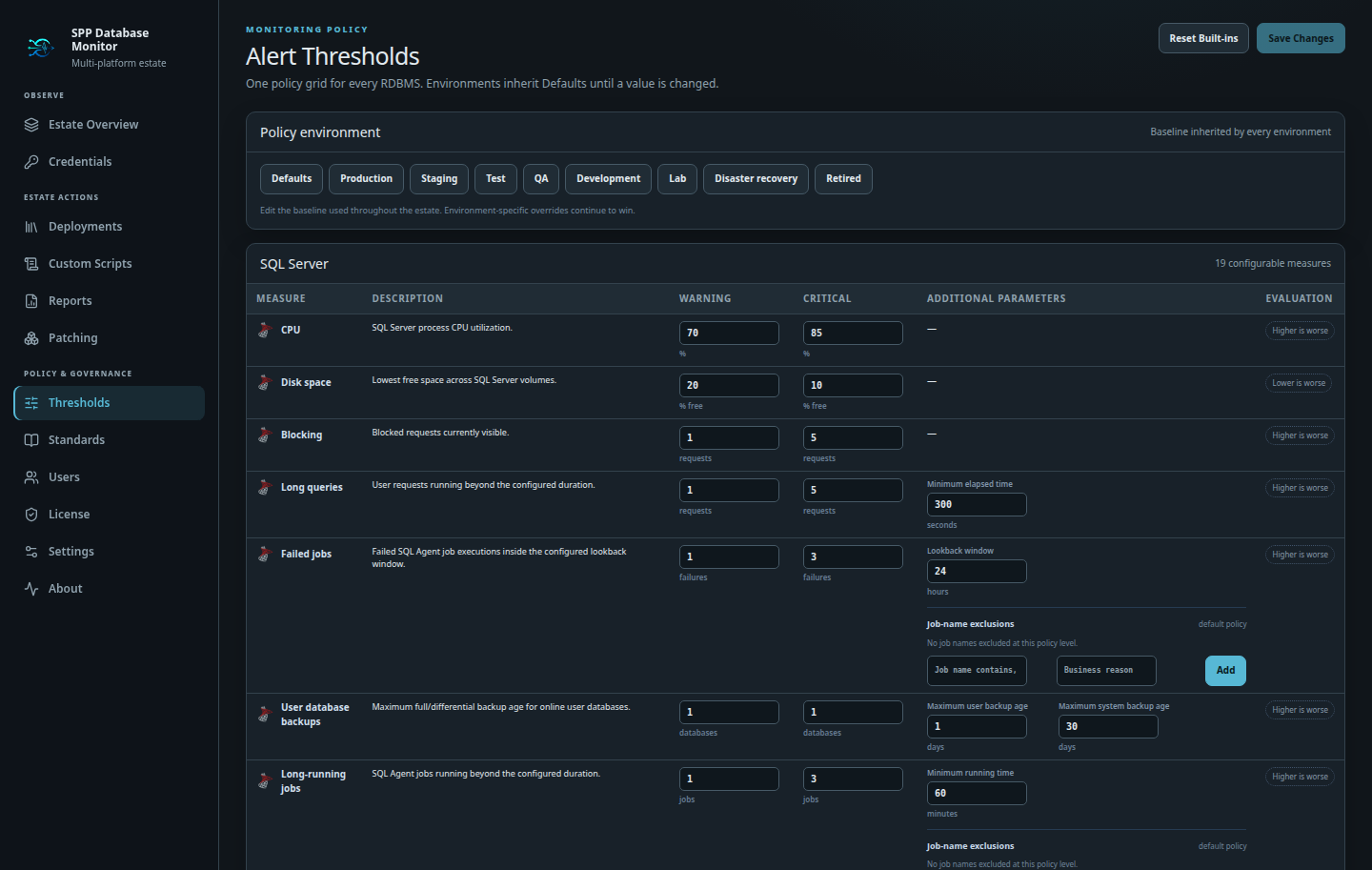
Start with estate defaults, tune policies by environment, and use intentional server overrides when a target is genuinely different. Time-bound suppressions expire automatically, keeping exceptions visible without silently turning checks off forever.
Unlimited monitored servers in every edition. Pay for capabilities, not inventory.